
Download Classic Solitaire (Free) – solitaire, classic solitaire, free solitaire, windows solitaire, klondike solitaire, card game, free game, mobile solitaire
Overview
Classic Solitaire (Free) delivers a nostalgic gaming experience rooted in the iconic Klondike Solitaire that once defined desktop computing. Developed by D. B.
Software, this mobile adaptation faithfully recreates the original Windows version, offering users a familiar interface and gameplay mechanics that have stood the test of time. Designed for casual players seeking a relaxing yet engaging card game, it serves as both a throwback and a functional utility for those who enjoy strategic, single-player puzzles on their smartphones. The app’s purpose is to provide a simple, accessible way to play one of the most enduring digital games in history, appealing to users of all ages who appreciate the rhythm of card sorting and pattern recognition.
It solves the need for a reliable, offline-friendly solitaire experience that doesn’t require internet connectivity or complex setup. Real-world use cases include short breaks during work, commuting time, or evening relaxation. As part of the broader mobile gaming ecosystem, Classic Solitaire (Free) holds value not just for entertainment, but as a benchmark of simplicity and enduring design in digital games.
Its long-standing presence since 2012 underscores its reliability and user retention. The developer did not provide additional technical details about development philosophy or future updates.
Key Features & Functionality
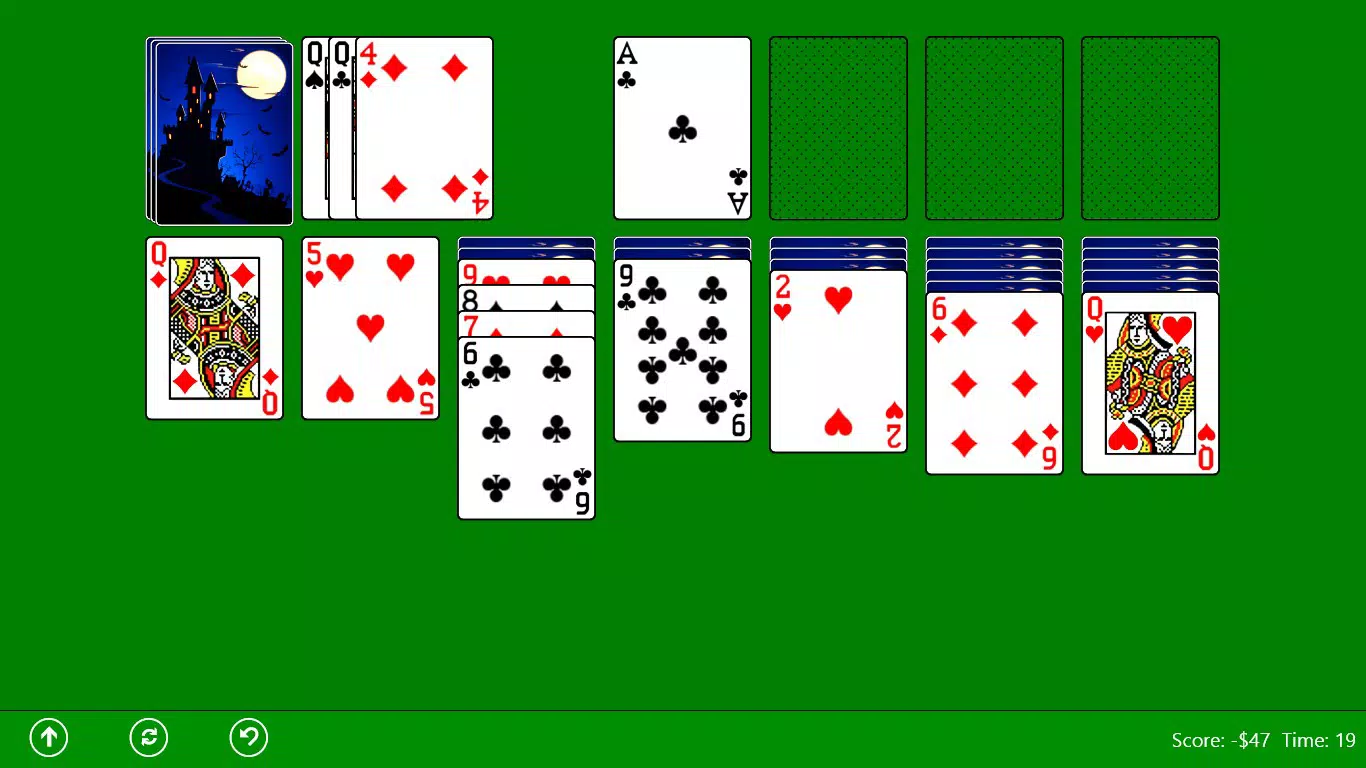
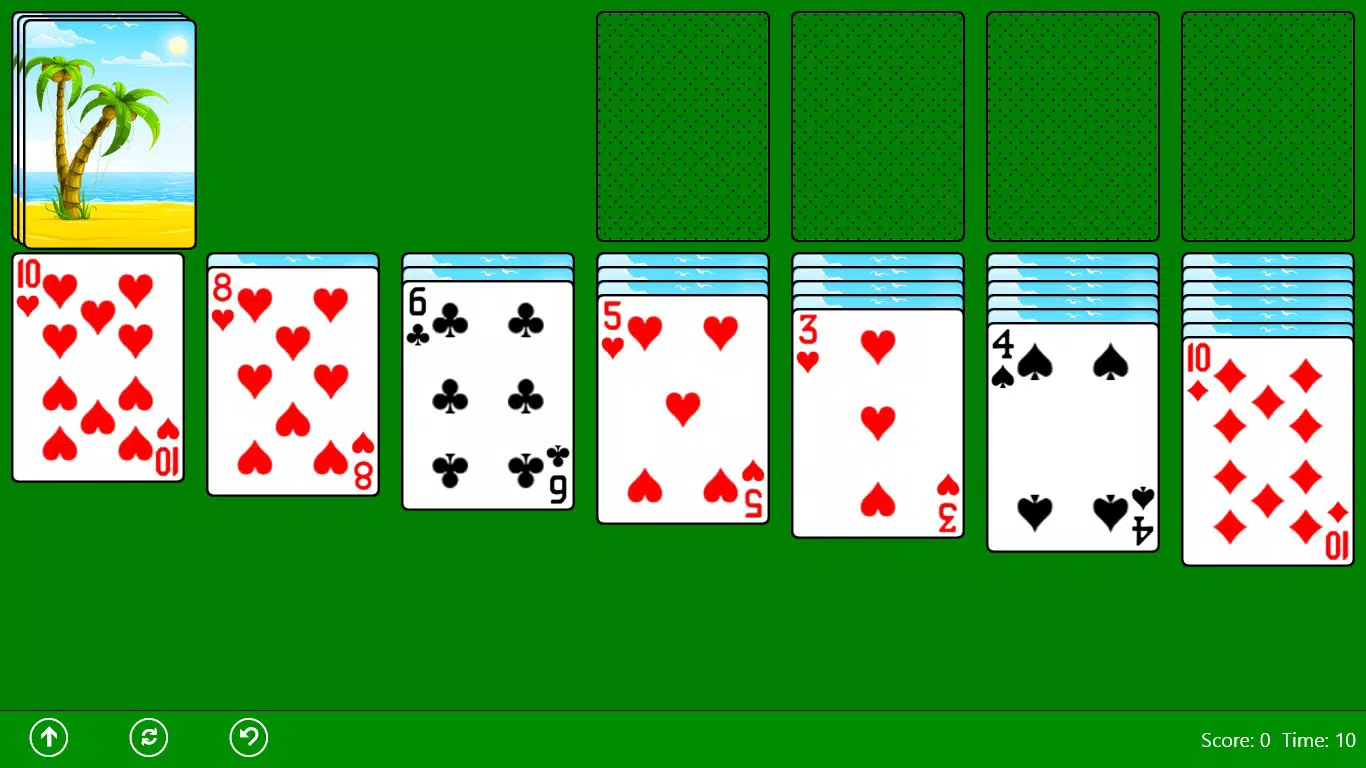
- Authentic Windows Look: The app replicates the vintage aesthetic of the original Windows Solitaire, featuring classic card designs, layout, and visual elements. This consistency helps users feel at home, especially those who played the game on older PCs. The interface mirrors the original, with a clean, minimal design that emphasizes gameplay over distractions.
- Traditional Scoring System: Players earn points based on card movements and game completion, following the same scoring logic used in the original version. This adds a layer of competition and replayability, encouraging users to improve their scores over time.
- User-Friendly Interface: The drag-and-drop mechanic allows for smooth card movement, making navigation intuitive for both new and experienced players. The layout is optimized for touchscreens, ensuring that actions are responsive and accurate.
- In-App Advertising: The app includes in-app advertisements, which may appear during gameplay. While this affects uninterrupted play, it supports the free availability of the app. Users are advised to review the privacy policy for transparency on data handling.
- Offline Play: No internet connection is required, allowing users to enjoy the game anytime, anywhere—ideal for travel or areas with limited connectivity.
These features collectively create a streamlined experience focused on authenticity and ease of use. For example, a user on a daily commute can open the app, start a game, and enjoy a few minutes of focused gameplay without needing to download additional content or manage settings.
Interface, UX & Performance
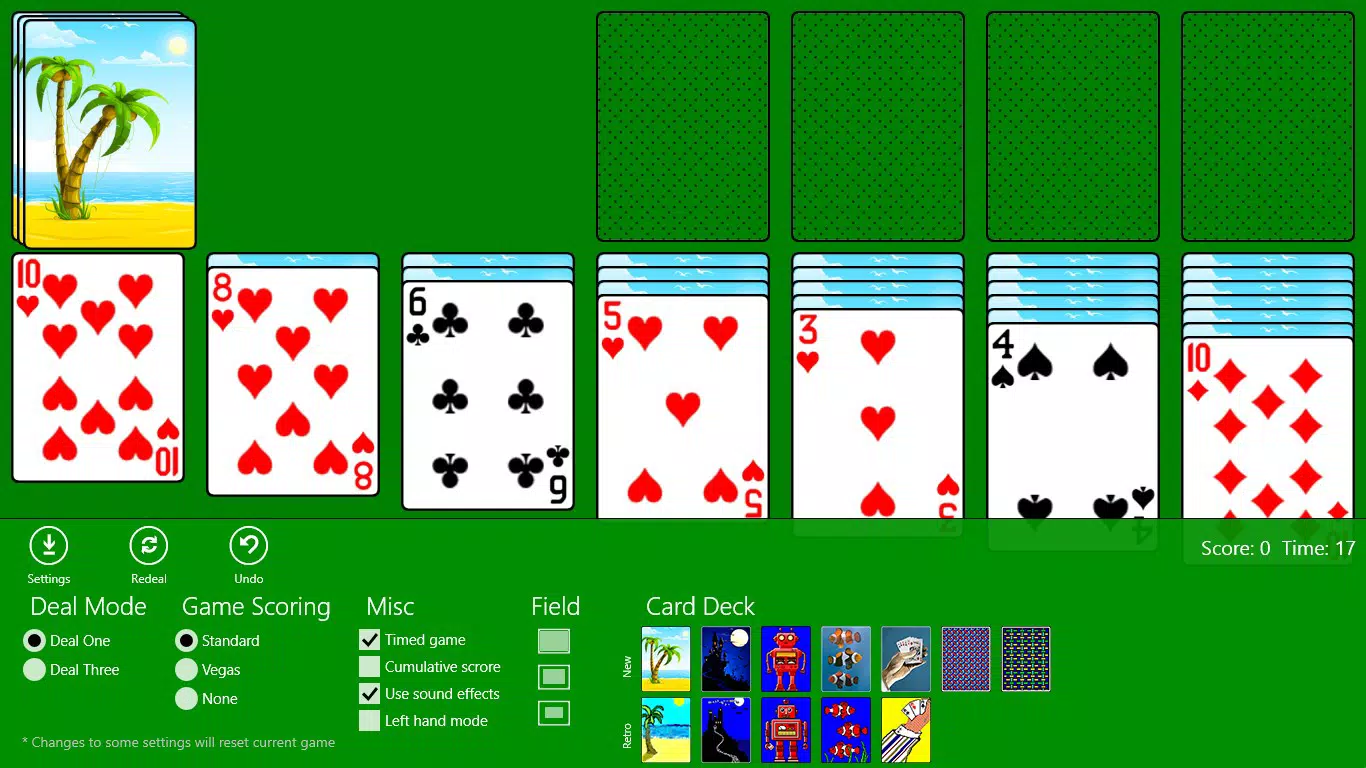
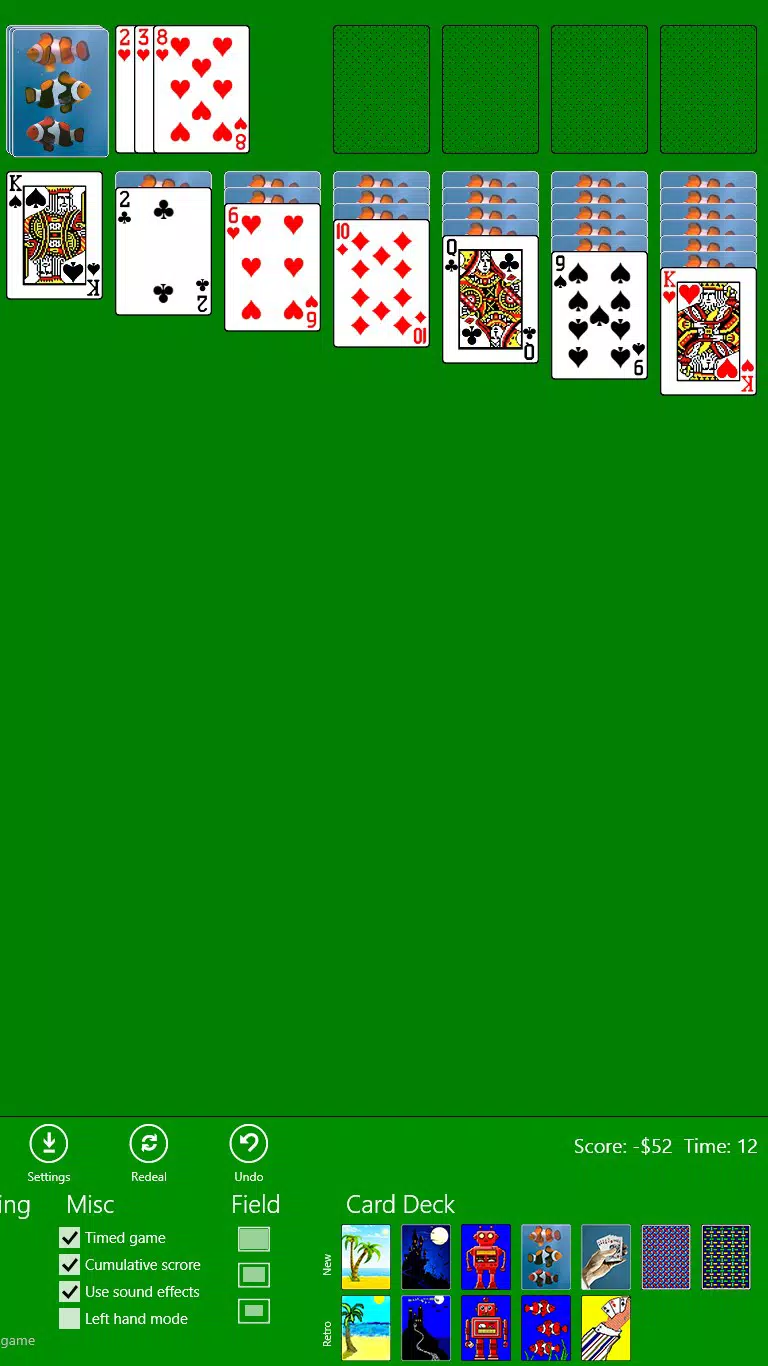
The user interface of Classic Solitaire (Free) reflects its core design principle: simplicity. The layout closely mirrors the original Windows version, with a consistent card placement, clear game zones, and minimal visual clutter. The visual style is deliberately retro, using muted colors and classic card textures that evoke a sense of familiarity.
Navigation is straightforward, relying on touch-based interactions such as tapping and dragging cards. The drag-and-drop mechanic is responsive, allowing users to move cards with precision. Although the developer did not list formal performance metrics, the app’s small file size of 11.7 MB suggests efficient resource usage.
It is likely optimized for a wide range of Android devices, including older models. Responsiveness appears to be consistent across different screen sizes, though specific device testing was not disclosed. Stability is implied by the app’s long availability since 2012, indicating reliable performance over time.
However, users may experience interruptions due to in-app ads, which could affect the flow of gameplay. The developer did not specify any known bugs or crashes, and no performance issues were reported in the provided data.
Platform Compatibility & Technical Requirements
Classic Solitaire (Free) is available exclusively on the Android platform. The current version is 1.5.5, with a file size of 11.7 MB. This compact size indicates a lightweight application that does not consume significant storage space.
The app is designed for mobile devices running Android, though specific OS version requirements were not listed. The developer did not specify minimum OS versions or hardware compatibility details. As such, compatibility with newer or older Android systems remains unclear.
Users should ensure their device supports Android applications and has sufficient storage space. The app does not require special permissions beyond standard access for ads, but no details were provided about required permissions or data access. The developer did not disclose any installation requirements beyond the platform and version.
Pros and Cons
Pros
- Authentic recreation of the classic Windows Solitaire experience
- Simple, intuitive interface ideal for all age groups
- Offline functionality allows play without internet access
- Small file size ensures minimal storage usage
- Free to download and use with no upfront cost
Cons
- In-app advertisements may interrupt gameplay
- Specific OS and hardware requirements were not disclosed
- Limited feature updates since 2012 (based on release date)
- Privacy policy details not publicly available in the provided data
- No cloud sync or save game functionality mentioned
FAQ
Is Classic Solitaire (Free) safe to install?
The app is available through official Android channels and has been in circulation since 2012. However, users should review the privacy policy before installation, especially due to the presence of in-app advertising, which may involve data collection.
Can I play Classic Solitaire (Free) offline?
Yes, the app does not require an internet connection to function. All gameplay occurs locally on the device, making it ideal for use during travel or in low-connectivity areas.
Does the app support multiple devices or cloud sync?
The developer did not provide information about cloud synchronization or cross-device compatibility. Game progress may not be saved across devices.
Are there any in-app purchases?
Based on the provided information, the app is free and does not include in-app purchases. However, it contains in-app advertisements, which may prompt users to view ads or make purchases indirectly.
How often is Classic Solitaire (Free) updated?
The last update was in 2012, according to the release date. No recent updates have been reported. Users should be aware that older apps may not be fully compatible with newer Android versions.
Final Thoughts
Classic Solitaire (Free) remains a dependable choice for those seeking a no-frills, nostalgic card game experience. Its faithful recreation of the original Windows Solitaire ensures that fans of the classic version can relive their favorite pastime on mobile. While the app lacks modern enhancements like cloud saves or frequent updates, its simplicity, small size, and offline functionality make it a practical utility for casual gaming.
The inclusion of ads is a common trade-off for free apps, and users who value uninterrupted play may find this a minor drawback. Still, the core gameplay remains solid and enjoyable. For individuals who appreciate timeless design and straightforward mechanics, this app delivers consistent value.
Whether you're a long-time fan or discovering solitaire for the first time, the experience is accessible and satisfying. Download Classic Solitaire (Free) now and enjoy a piece of digital history on your smartphone.


